

2 7
road to ignite

Webinar

The AI Action Engine, LIVE

Follow one cloud cost recommendation from finding to verified saving, live in 45 minutes.

Thu, October 29 2026 | 9:00 AM PT
Register now

airpods 5-2

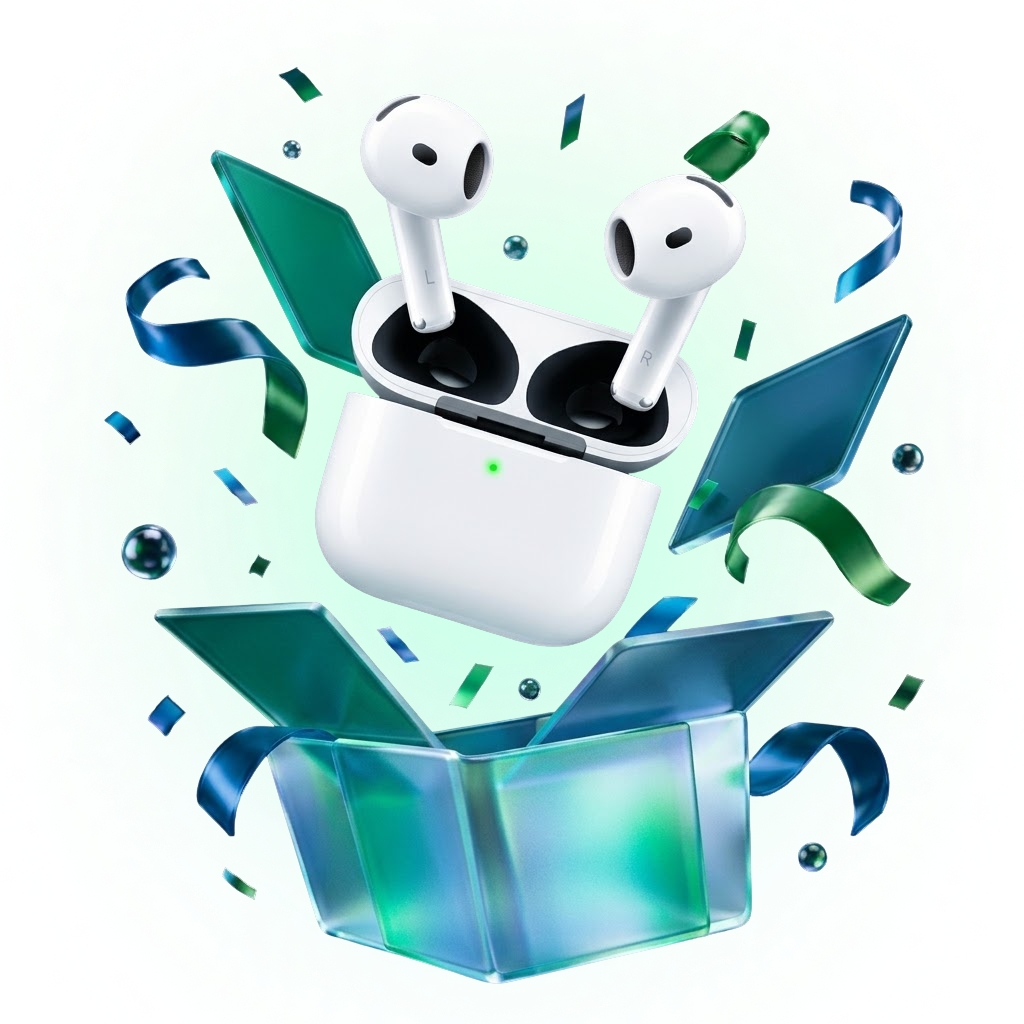
Win the all-new AirPods 5

One pair, one winner, drawn live at the end of the webinar. Every registrant gets a ticket, and you'll collect the prize in person from the Lucidity booth at Microsoft Ignite in San Francisco.

Not going to Ignite? Come for the demo anyway.
That's still the main event.

Register

Sign up for the webinar and we'll email your personal raffle ticket. One ticket per registrant.

Join

Tune in on October 29. We draw the winner live at the end of the session, so be there.

Win

Collect your prize in person at the Lucidity booth during Microsoft Ignite, Nov 17–20 in San Francisco.

Why this session

The savings are found. They just never ship.

Teams identify 30 to 40% in potential savings and realize 5 to 10%. The gap is not detection. It is the work between a recommendation and a change: the context to trust it, the evidence to approve it, the effort to ship it and the risk if it goes wrong.

This session is about closing that gap with an agentic workflow, and about the guardrails that make it safe to let one act.
What you'll see live

One recommendation, start to finish.

The demo follows a single recommendation through the whole agentic workflow, so you see every hand-off, every check and the moment the saving lands.

Step 01

Find

A live scan surfaces the savings generic tools miss, with a dollar value on each one.

Step 02

Contextualize

Every recommendation is enriched with what the resource actually runs: workload, dependencies, utilization history.

Step 03

Decide

Only the changes that are safe for that workload go forward, each with the evidence behind it.

Step 04

Execute

The change ships through your own workflow: a pull request your engineer approves, applied in the window you set.

Step 05

Verify

Performance is watched after the change, rollback stays ready, and the saving is confirmed on the bill.

Agenda

45 minutes, on the clock.

0:00

Why savings stall

The realization gap, and the four reasons recommendations never ship: context, evidence, effort and risk.

0:08

The live run

One recommendation through Find, Contextualize, Decide, Execute and Verify, on screen from start to finish.

0:25

The guardrails

How teams move from read-only to approval-based to controlled execution, and what rollback looks like when a change misbehaves.

0:33

Your questions

Live Q&A, starting with the questions registrants send in.

0:43

Raffle and next steps

How to see the same workflow on your own environment, read-only, then the live raffle draw.

Built for the people the bill lands on.

  • You run platform, infrastructure or cloud engineering, or the cloud bill lands on your desk.
  • You lead FinOps, and recommendations pile up faster than engineers can act on them.
  • You run meaningful spend on Azure, AWS or Google Cloud, and optimization still happens by hand.
  • You want to see agentic execution with guardrails before you trust it anywhere near production.

Share this event

The format

Built for engineers who have sat through too many webinars.

01

A live demo, not a slide deck

Most of the 45 minutes is on screen, following one change from finding to a verified saving.

02

Guardrails, shown not told

You will see where approvals sit, how autonomy is set per workload, and what rollback looks like.

03

Your questions first

The Q&A is built from what registrants send in, so the most common blockers come first.

04

A recording for everyone

Register even if you cannot attend. The recording lands in your inbox after the session.

Trusted by enterprise cloud teams

Heading to Ignite? See the AI Cost Engineer in person at Booth #5338.

Book a Meeting
FAQs

Before you register.

Is the webinar free?

Yes. Registration takes under a minute.

Will it be recorded?

Yes. Every registrant receives the recording after the session, whether or not they attend live.

How long is it?

45 minutes, including Q&A.

Do I need to connect my cloud account?

No. You only watch. If you want to see the workflow on your own environment afterwards, read-only access takes about 15 minutes to set up.

Is this only for Azure?

No. The demo runs on an Azure workload, and Lucidity works across Azure, AWS and Google Cloud.

Can I bring my team?

Yes. Ask each person to register so they get the joining link and the recording.

45 minutes. One recommendation. Every step to a verified saving.